



































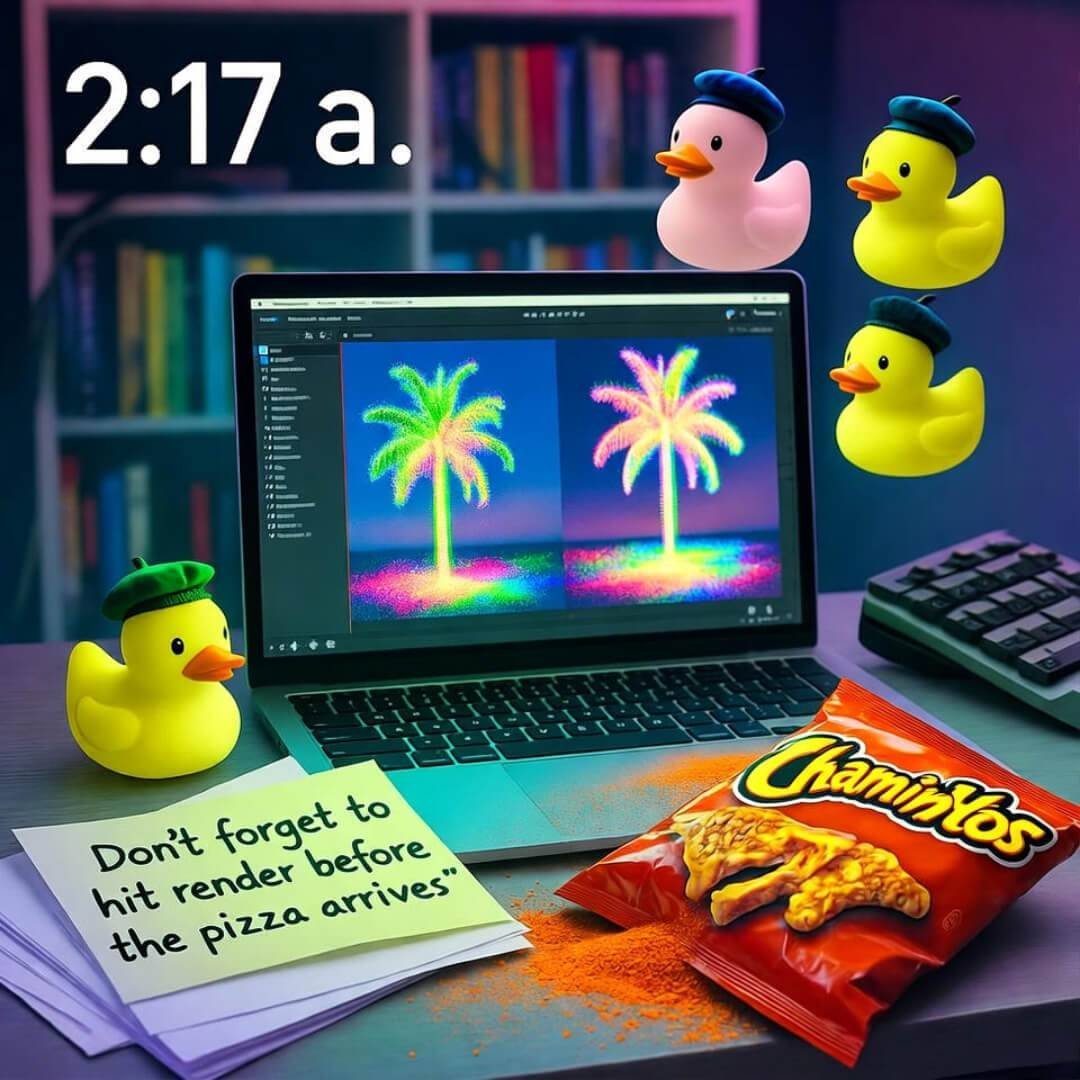

Okay, real talk—AI video editing is the only reason half my clips don’t look like they were shot on a flip phone in 2006. I’m sitting here in my Seattle apartment, rain doing that annoying drip-drip against the window, leftover Thai takeout congealing on the coffee table, and yeah… I just spent 20 minutes trying to salvage a vlog where I literally tripped over my own shoelace. Without AI? That footage would’ve been deleted faster than my dignity. But with it? Magic. Kinda. Mostly. Let me explain before I forget what I was saying.
Why I Even Bothered with AI Video Editing (Spoiler: Desperation)
Last month I filmed this whole “day in the life” thing—woke up, made coffee, spilled coffee, cried about coffee, went to work at the coffee shop. Classic. Uploaded the raw file to my laptop and stared at 47 minutes of shaky, poorly lit nonsense. Manual editing? I tried. I really did. Two hours in, I had three clips, one transition that looked like a seizure, and a growing urge to yeet my MacBook out the window. Then I remembered some Reddit thread mentioning AI editing tools. Figured, why not? Worst case, it’s still garbage. Best case… well, here we are.
- First tool I tried: Runway. Threw my mess in there and it actually found the good parts. Like, it knew the spill was funny but the crying was not. Cut it down to 4 minutes. Added slow-mo. I didn’t even ask for slow-mo. I just sat there like… okay, robot, you win this round.
- Then Descript. Holy crap. You edit the transcript and the video changes. I deleted one “uhh” and poof—clip jumps. Deleted 47 “uhhs.” Felt like cheating. Still do.

The Tools I Actually Use (No, I’m Not Sponsored, Chill)
Here’s my current rotation, scribbled on a Thai food receipt because all my notebooks are full of grocery lists:
- Runway ML – Best for “I have no idea what I’m doing.” It fills gaps, generates B-roll, once turned my dog barking into a cinematic echo. Weird flex, but okay.
- Descript – For when I talk too much (always). Edit like a Google Doc. I overdubbed myself saying “welcome back” after sneezing mid-intro. No one noticed. I’m proud and ashamed.
- CapCut (free version) – TikTok vibes, zero budget. Auto-captions actually get my sarcasm right 70% of the time. The other 30%? “Duck” becomes “luck.” Close enough.
I tried Adobe’s AI stuff too, but my laptop sounds like a jet engine and I live in fear of the thermal shutdown. So… pass.
The Time AI Made Me Look Competent (And I Hated It)
True story: I posted a Reel last week—sunset hike, me narrating like I know words. 2k views. Comments like “so clean!” and “what camera?!” Meanwhile, I filmed it on my iPhone 13, half the shots were vertical by accident, and I was wearing mismatched socks. AI fixed the orientation, color-graded the hell out of it, and added a zoom-in on the mountain that I swear I didn’t do. I stared at the final export like… who is this person? Not me. But also… kinda me now?
Yeah, It’s Not Perfect (Nothing Is)
Sometimes the AI cuts too much. Like, I had this heartfelt rant about overpriced oat milk and Runway just… deleted it. Poof. Gone. I had to dig through the trash bin (digital trash, I’m not a monster) to get it back. Also, Descript keeps trying to make me sound like a NPR host. I’m from Jersey. Let me keep the attitude, please.
And don’t get me started on render times. I’ve fallen asleep waiting. Woke up to a finished video and a dead laptop battery. Worth it? Mostly.

So… Should You Try AI Video Editing?
If you’re like me—zero patience, negative three skills, and a growing pile of “I’ll edit this later” footage—yes. Start with CapCut. It’s free. Mess around. Break something. Laugh. Cry. Order more Thai.
If you’ve got $20 burning a hole in your pocket, Descript’s worth it just for the overdub feature. Say goodbye to retakes. Hello to fixing that one word you mispronounced at 0:43.
And if you’re feeling fancy? Runway. But don’t blame me when it adds a random explosion to your cooking tutorial.
Look, I’m no expert. I’m just a dude in sweatpants, surrounded by empty LaCroix cans, trying to make content that doesn’t embarrass me too much. AI video editing doesn’t make you a filmmaker. It just makes you… less bad. And sometimes, that’s enough.
Drop your favorite tool below. Or your worst AI fail. I need to feel less alone.
— Still rendering, Some Guy in Seattle
P.S. If you see a rubber duck in my next video, no you didn’t.